
RAM vs. SSD: Why do you need both a desk and a filing cabinet?
Why does a computer have two types of memory? We explain the difference between RAM and an SSD using a simple analogy of a desk and a filing cabinet. Learn the basics of hardware.
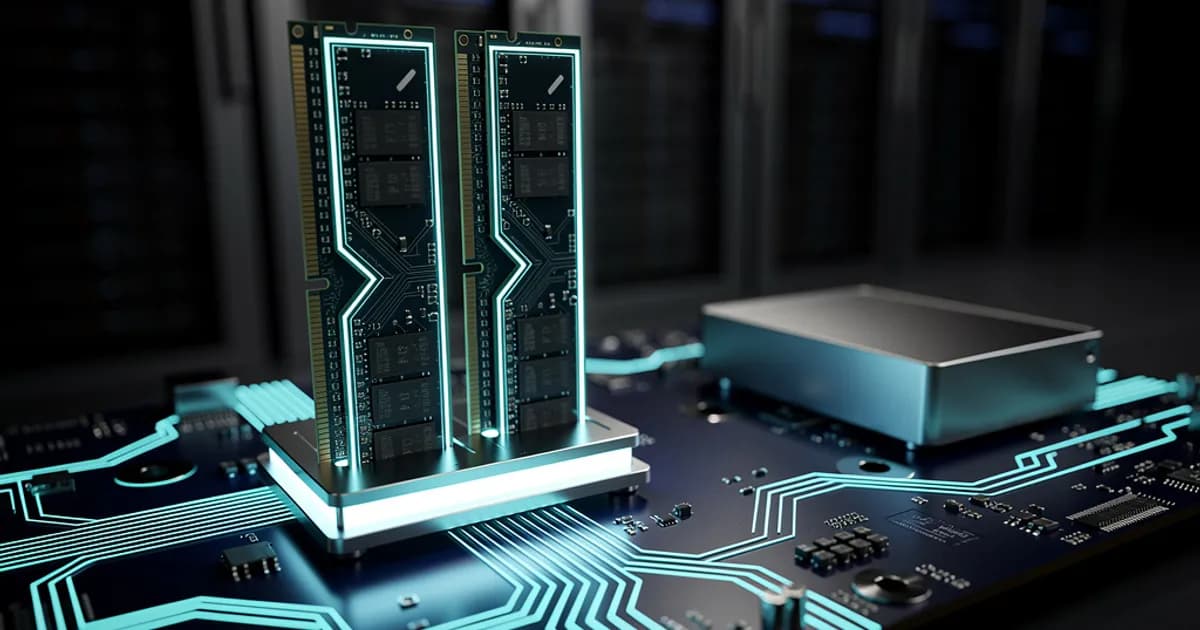
- RAM is super-fast working memory (the desktop) that loses its data when powered off.
- An SSD is durable storage (the filing cabinet) where files sit safely for years.
- A computer needs both: RAM for smooth application performance, and an SSD for storage.
- Too little RAM slows down the system, forcing it to constantly access the slower drive.
You buy a new computer or smartphone and see two different values in the specifications: '16 GB of RAM' and '512 GB SSD'. For someone who doesn't follow tech news, this can sound confusing. Why does a device need two different types of memory? Can't we just use one very large one?
To understand this, forget about electronics, silicon, and bits for a moment. Imagine that your computer is an office worker, and its operating system is simply the work they do at a traditional, physical piece of furniture. Let's take a look at what their workday looks like.
The desk and the cabinet, or the anatomy of your workspace
Imagine you are sitting in an office. Your task is to fill out reports, reply to letters, and analyze data. You have two key elements at your disposal: a desktop and a filing cabinet standing in the corner of the room.
The desktop is where you put whatever you are working on at that exact moment. You have an open notebook, a calculator, and the documents of the client you are currently talking to. You can reach for them in a fraction of a second. The cabinet, on the other hand, holds thousands of binders. Retrieving a document from it requires standing up, walking over, finding the right folder, and returning to the desk. This takes much longer, but the cabinet holds incomparably more things than your desktop.
In this analogy, the desktop is the RAM, the filing cabinet is the SSD, and the worker performing the tasks is the processor (CPU).
What actually is RAM? (The desktop)
RAM (Random Access Memory), or system memory, is the computer's workspace. When you launch a program—such as a web browser or a word processor—the operating system 'places' it on the desktop, meaning it loads it into RAM. This gives the processor instant access to it, allowing it to execute your commands in a flash.
However, RAM has two key characteristics that determine its role:
- It is extremely fast – the processor can retrieve and write data almost instantly.
- It is volatile – when the computer is turned off (power is cut), the desktop is completely cleared. Anything you didn't manage to save to the drive is gone forever.
What is an SSD? (The archive in the cabinet)
An SSD (Solid State Drive) is your filing cabinet. This is where all your programs, games, vacation photos, operating system, and text documents live permanently. Even when the computer is completely powered off and sitting in a bag, the data on the SSD remains safe.
Modern SSDs are very fast (much faster than older HDD platter drives), but compared to RAM, they are still slow devices. Reading data from an SSD takes the processor significantly longer than reaching into RAM.
Why can't we just have one?
Since SSDs are getting faster and faster, couldn't we just ditch RAM and run everything directly from the drive? Or vice versa—why not build a computer with 1 TB of RAM?
The answer lies in the laws of physics and economics. Manufacturing 1 TB of RAM would be absurdly expensive—such a computer would cost a fortune. Furthermore, a device relying solely on RAM would lose all its data with every power outage, even one lasting a split second. On the other hand, working directly on an SSD would be incredibly frustrating. The processor would waste most of its time waiting for the drive to send the required files.
| Feature | RAM (Desktop) | SSD (Filing cabinet) |
|---|---|---|
| Main role | Current work, open programs | Permanent file storage |
| Speed | Extreme (fractions of a nanosecond) | Medium/High (milliseconds) |
| Typical capacity | Small (8 – 32 GB) | Large (512 GB – 2 TB) |
| Persistence after power-off | Data is lost | Data is retained |
How does it work in practice? A daily scenario
To solidify this knowledge, let's trace the simple process of launching a program, for example, a photo editor:
- You double-click the program icon. The operating system knows that the program files are in the 'cabinet' (on the SSD).
- The processor copies the necessary files from the SSD and moves them to RAM (places them on the desktop).
- The program launches. Now, every operation—such as applying a filter to a photo—happens instantly because the processor works directly with data in RAM.
- You click 'Save'—your modified photo is copied from RAM and safely tucked away in the cabinet (saved to the SSD).
- You close the program—the desktop is cleared, and RAM is freed up for other tasks.
What happens when you run out of RAM?
If your desk is too small (e.g., only 8 GB of RAM) and you try to simultaneously open a browser with 30 tabs, a video editing program, and a game, you will run out of space on the desktop. However, the computer cannot simply shut down.
In this situation, the system uses a trick: it starts putting less frequently used documents from the desk back into the cabinet (onto the SSD), and when you need them again, it swaps them. Because constantly running to the cabinet takes a lot of time, the computer starts to slow down drastically, and you see the spinning waiting wheel.
Buying a larger SSD will not speed up your computer if you are running out of RAM. It is like buying a second filing cabinet when your problem is a desktop that is too small to fit your open documents.
Summary — what to look for when buying?
Choosing the right computer specifications depends on how you work. If you like to have many applications open at once, work on large spreadsheets, or edit video, you need a larger desk (at least 16 GB or 32 GB of RAM).
On the other hand, if you collect thousands of photos, install large games, or store projects spanning many years, you need a larger cabinet (an SSD with a capacity of 1 TB or more). Understanding this difference will help you avoid bad purchases and better match the hardware to your actual needs.
Ready to get started?
Got something I could help with? Get in touch — happy to share what I know.
Get in touch